Unreal Engine Tutorial - Glitchy pixelated effect
A quick experiment I did to create a glitchy pixelated/hologram effect for a personal project. Ended up not using it but I thought I'd share it nonetheless. It's available as a Tier 1 reward on my Patreon: https://www.patreon.com/GhislainGir
Tutorial/breakdown of the effect.
Quick demo.
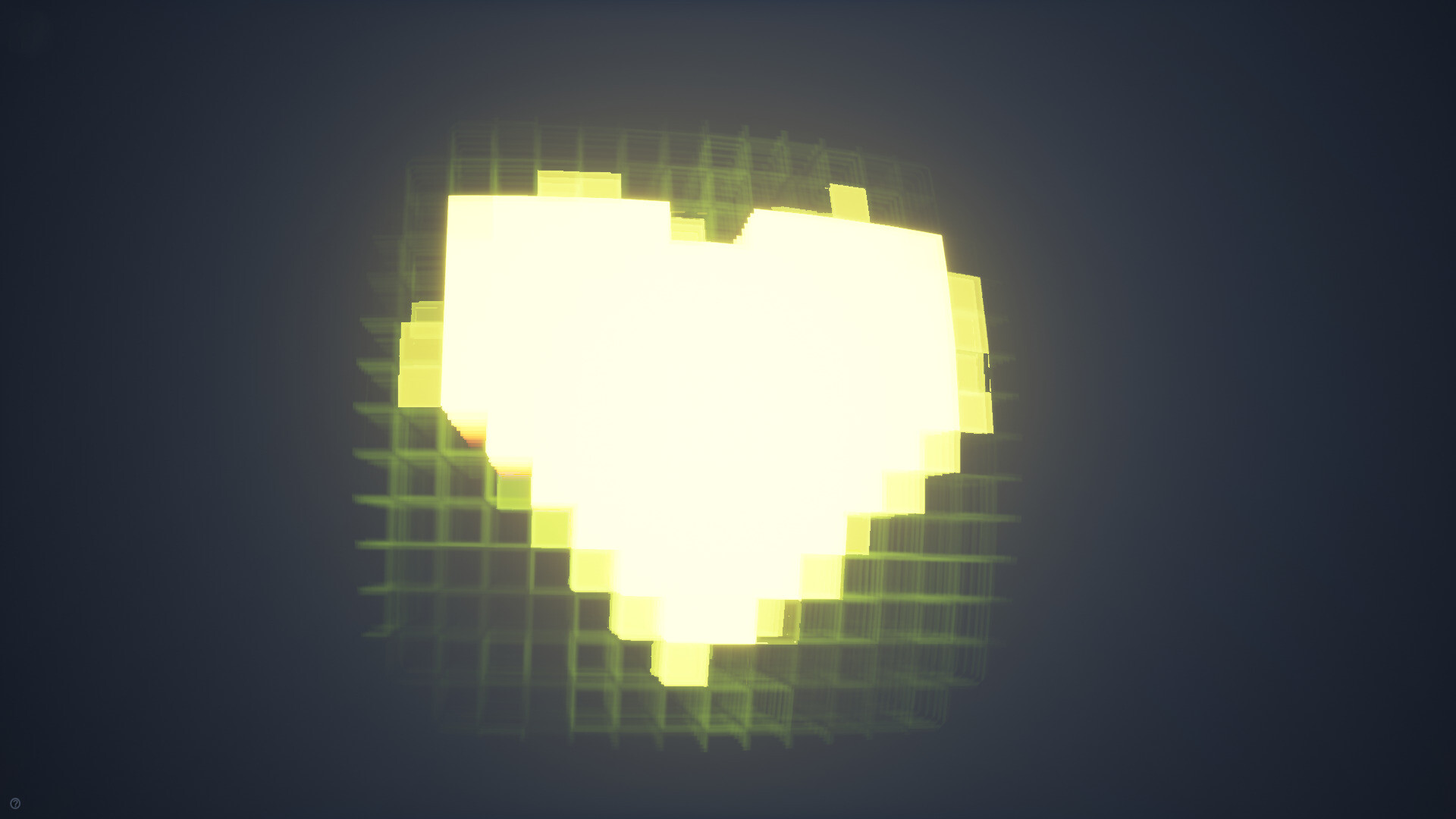
You can tweak the material quite extensively.
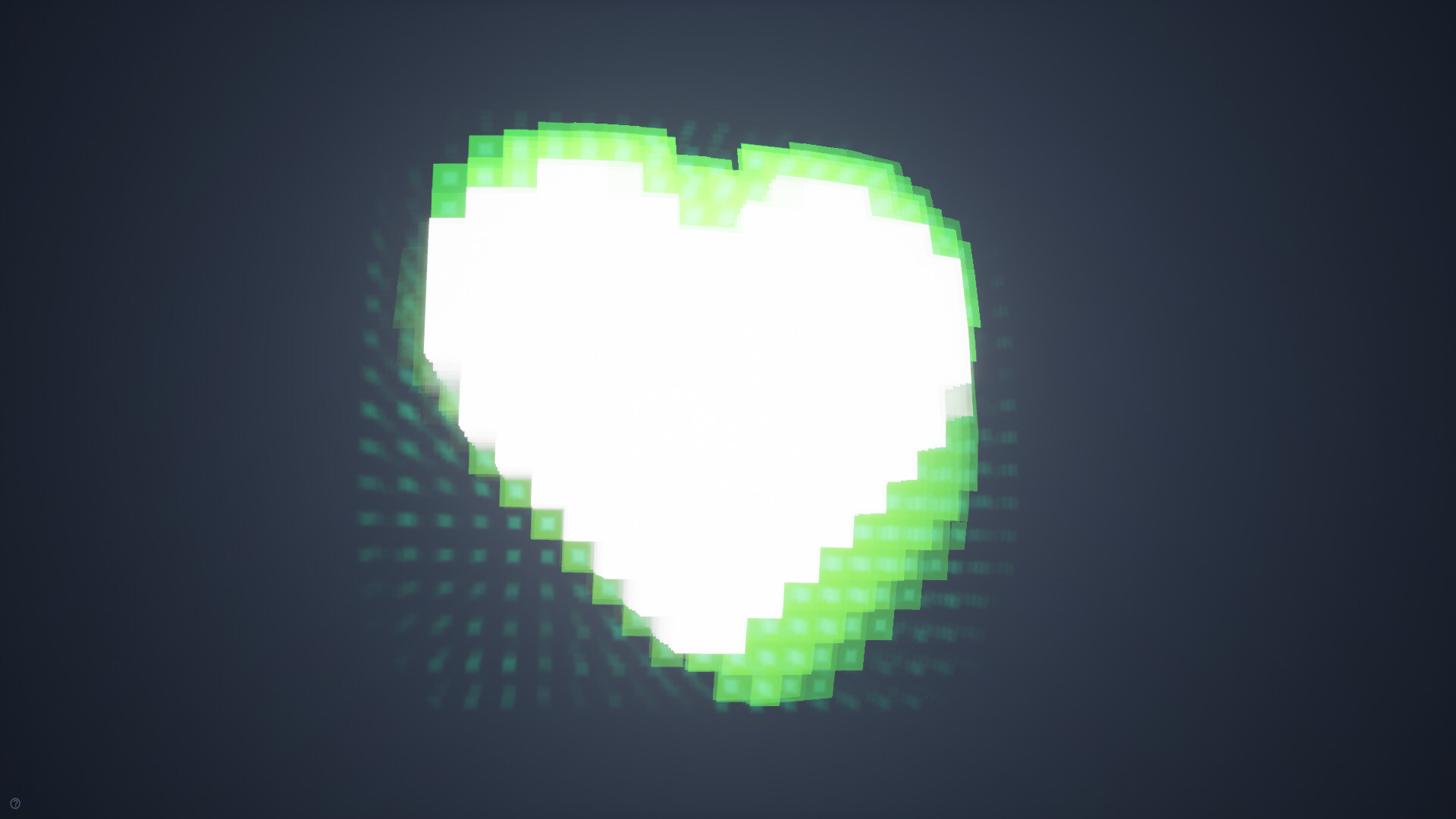
Here's a version with a different grid, much more distortion and different colors, amongst other things.

Here's a version with much more pixel density and some other tweaks.

Glitchyness cranked to 11.

Here's a version with a different color for glitchy pixels and much more subtle grid effect.

This tiny setup is the star of show. It's how we pixelate a texture.
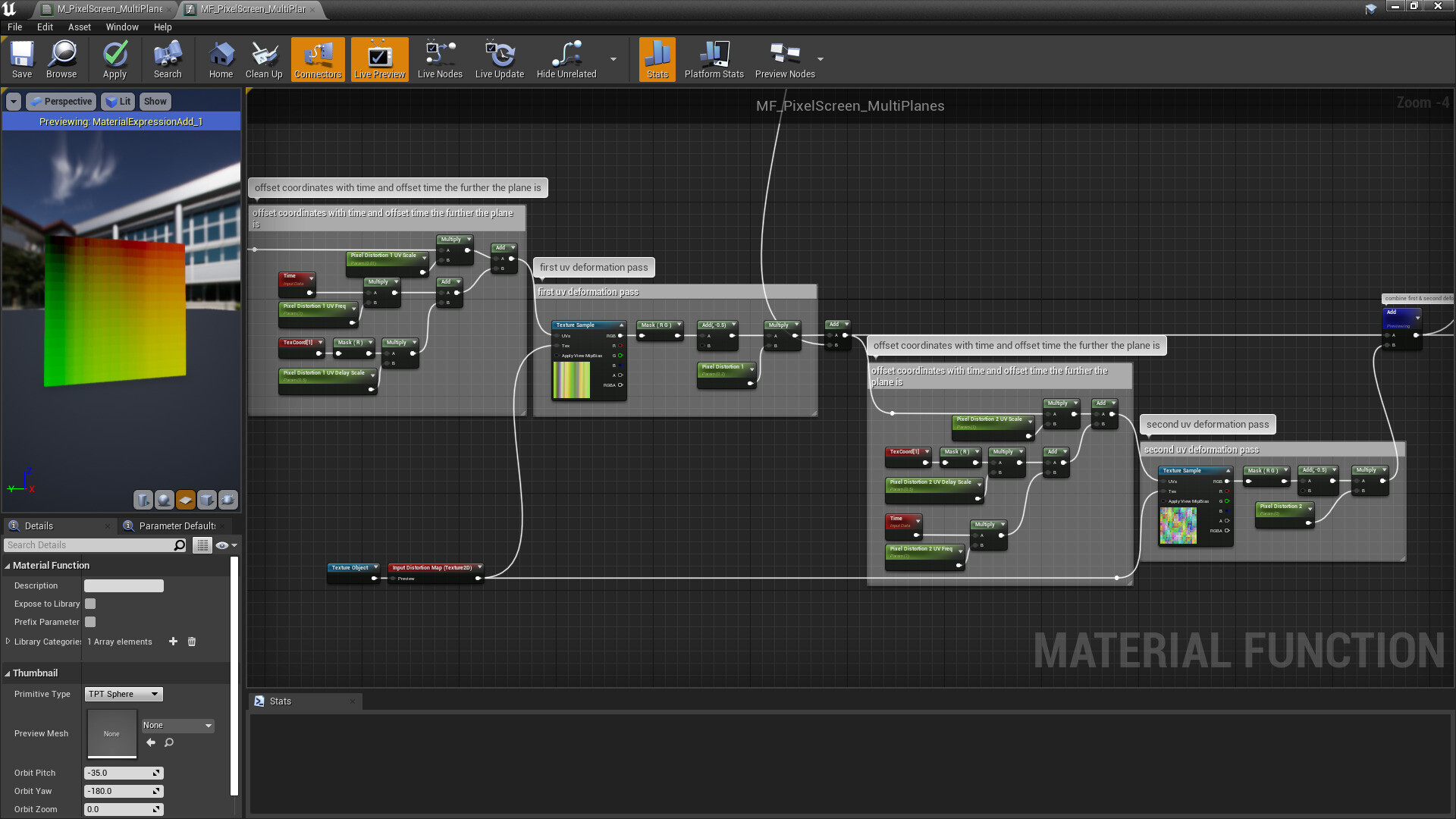
Here's a very arbitrary way of distorting the pixelated UV coordinates in all sort of ways. This is very specifc to what I wanted to do so it may not make sense =)

Grid effect based on the pixelated UV coordinates.

Vignette effect using the pixelated UVs.
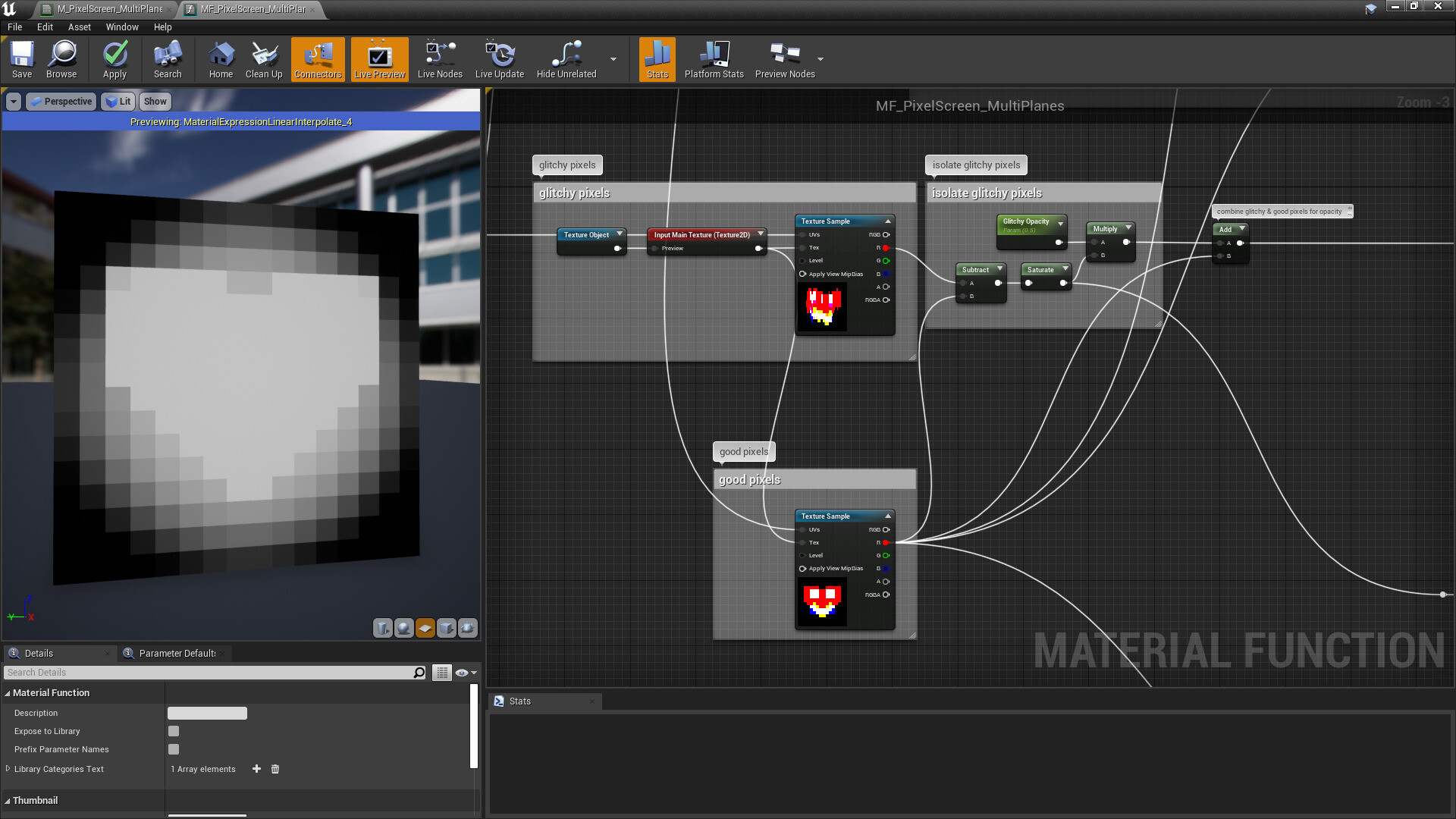
Lerping the good and glitched pixels so we can have split controls for their colors and so on.
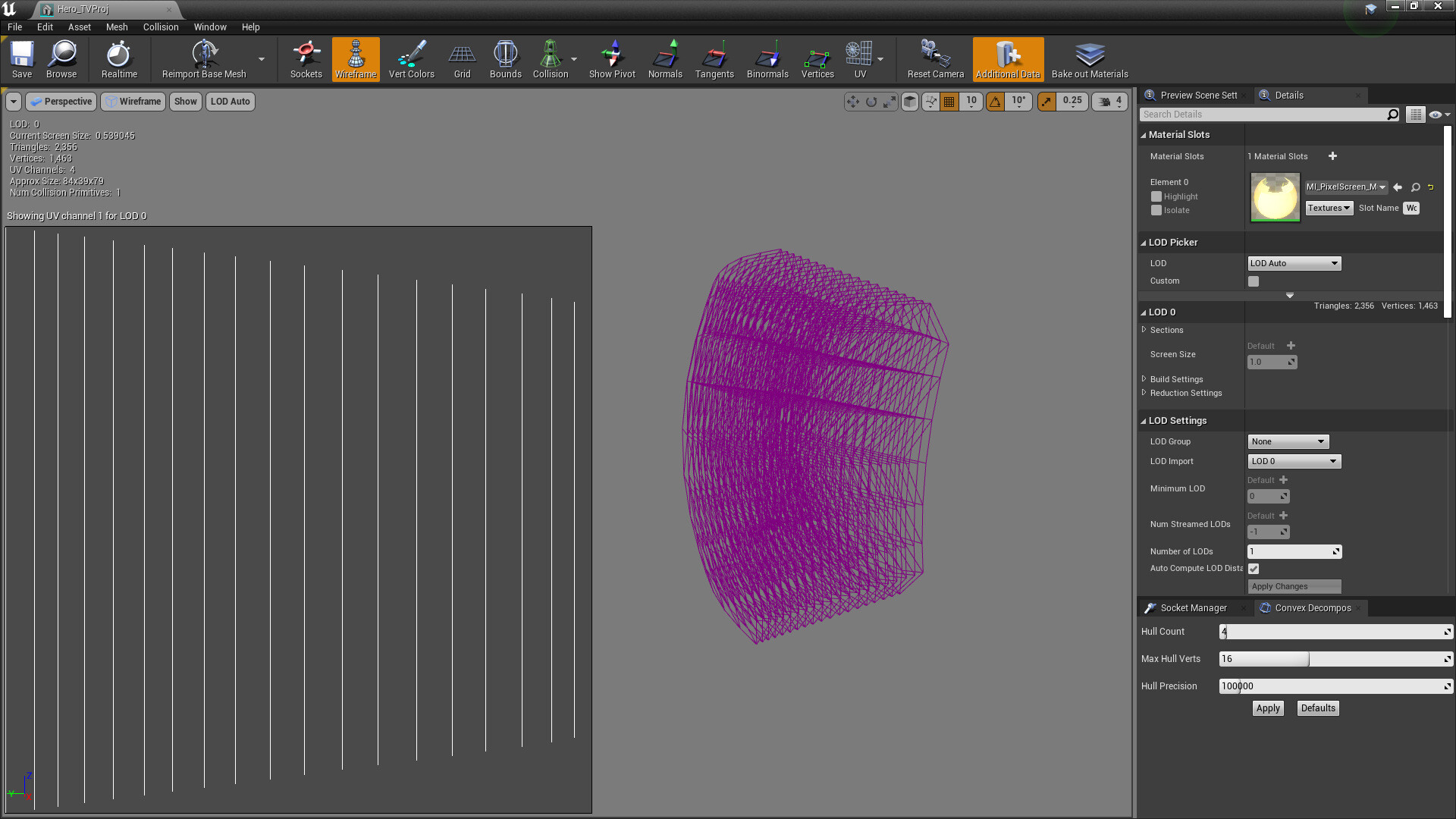
The mesh used here is just a stack of cards. The distance of each card to the origin is encoded in UVs in the horizontal axis so we can blend colors based on this or shift time to make an effect look like it's moving forward or backward.