Unreal Engine Blueprint System - Advanced Grass Interaction System
Here's an advanced grass interaction system that will let you physically interact with the grass in a very satisfying and performant way. It's available as a Tier 3 reward on my Patreon: https://www.patreon.com/GhislainGir
It has limited support for other actors and also lets you interact with the grass with custom effects, like explosions and such.
The system is really easy to use but requires you to know how to bake pivots (using tools like pivot painter) in case you want to use this system with your own grass mesh.
It's performant, GPU cost is ~0.2ms on a 970GTX for the first render target and ~0.1 for the second (optional) one. Grass material cost will vary based on how you sample and use those two render targets in your material.
CPU cost is very good as well: the system uses a single blueprint actor component that you need to add to your character/pawn. It does tick to update a couple of parameters into a material collection and call the draw function for the render targets but that's it. It does a couple of things using two timers but those do not tick at a high frame rate. It calls a blueprint interface function to dialogue with your own pawn and nearby actors to know the context of a grass interaction so overall it's very performant and the blueprint cost is very well managed.
Deep dive into the system: what it's capable of, what its limitations, how to use it and how it works
Quick demo.
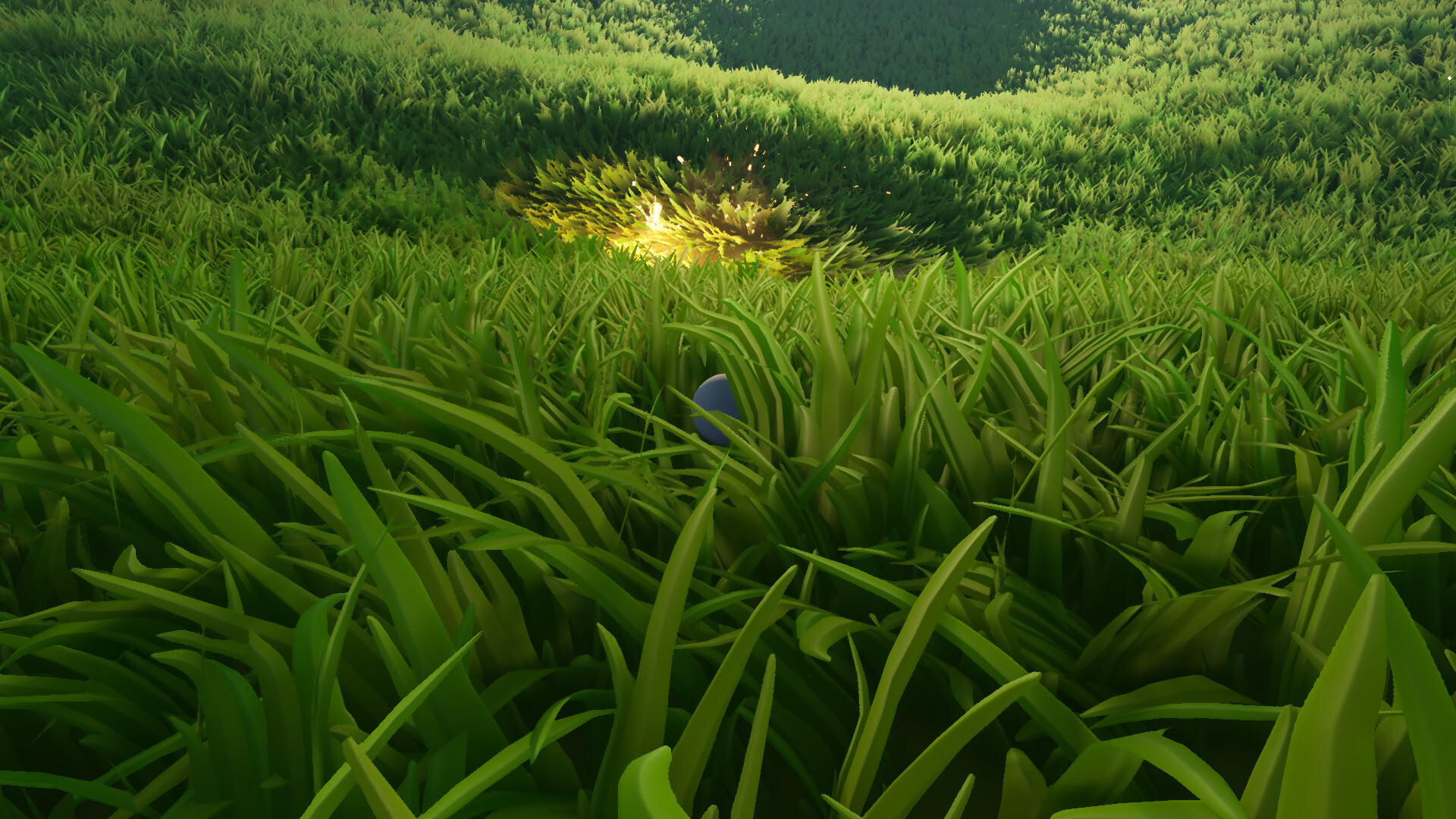
Custom grass interaction effect for that grenade explosion.
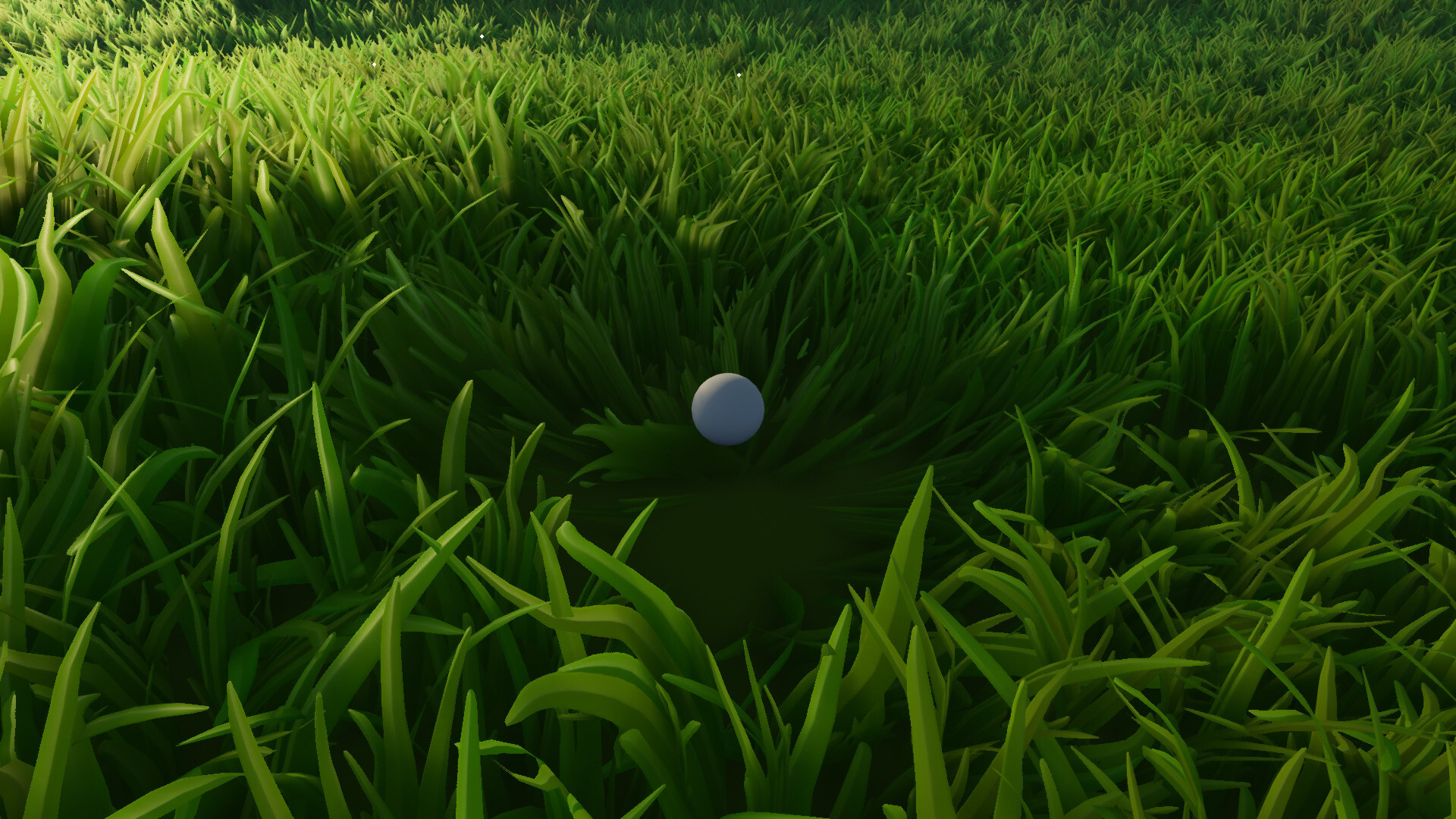
Custom grass interaction effect on left click to mimic an attack.
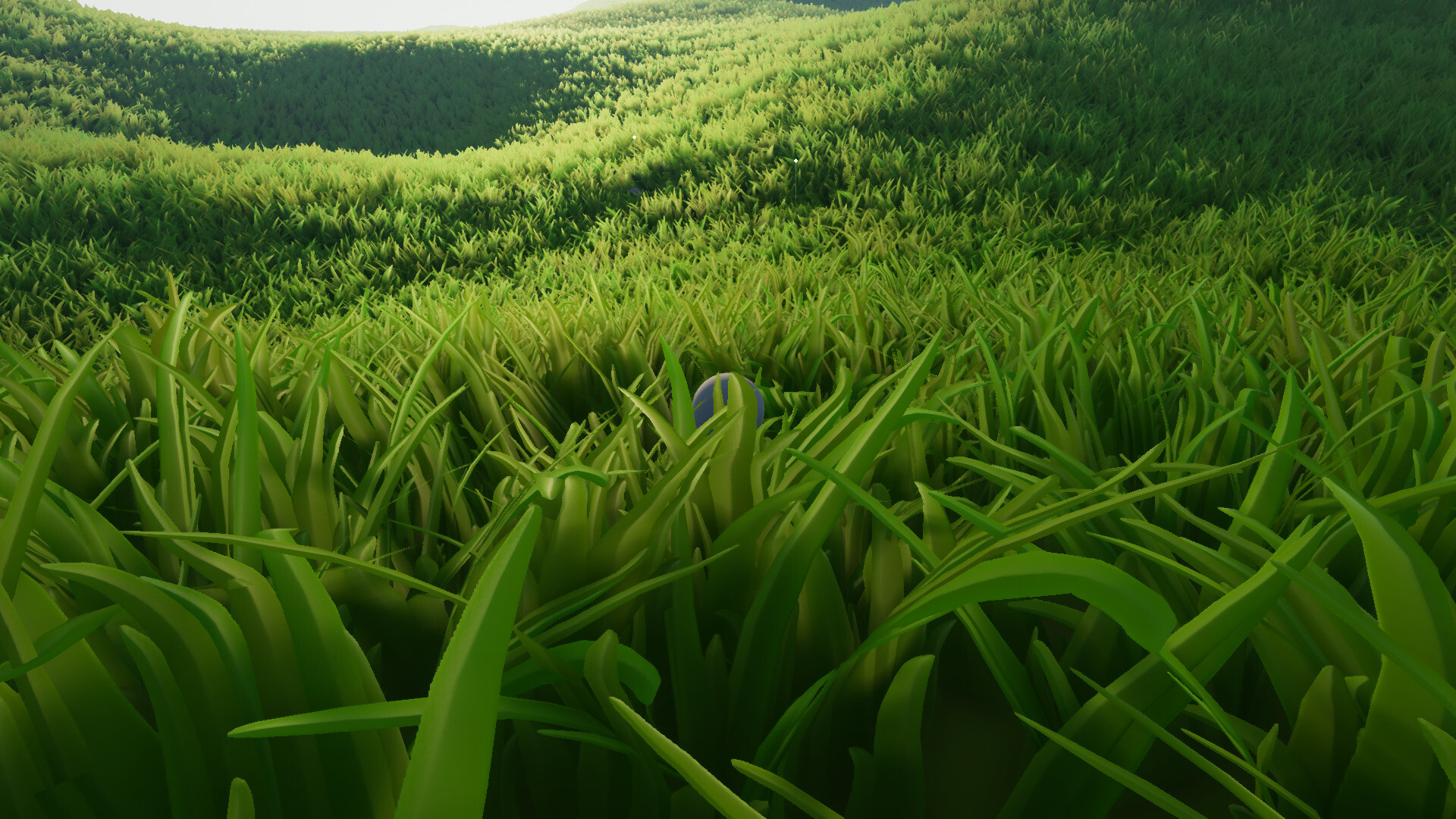
Limited support for nearby actors which may easily interact with the grass as well.
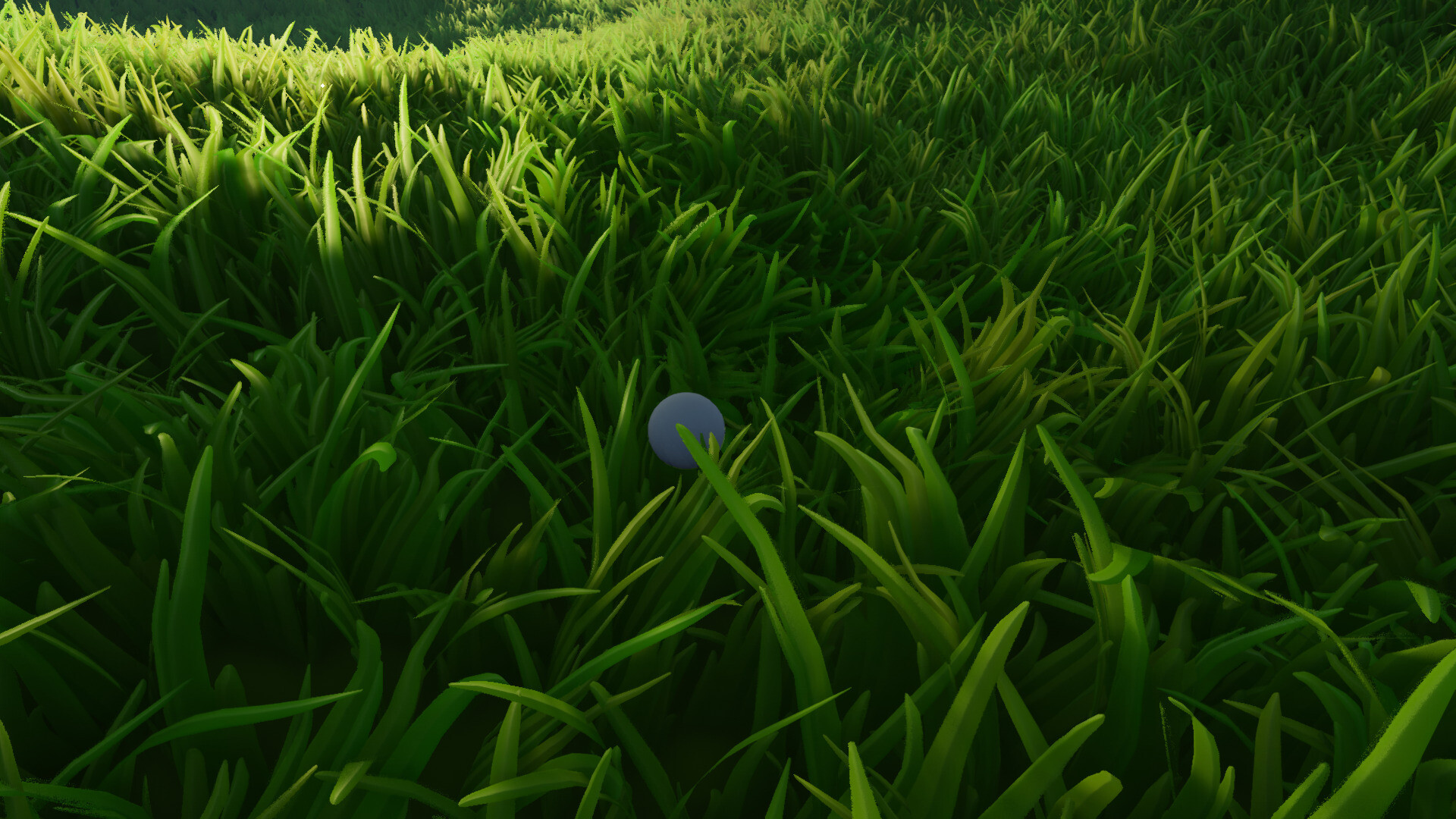
Complex grass rotation behaviour.

Debug view for custom effects.
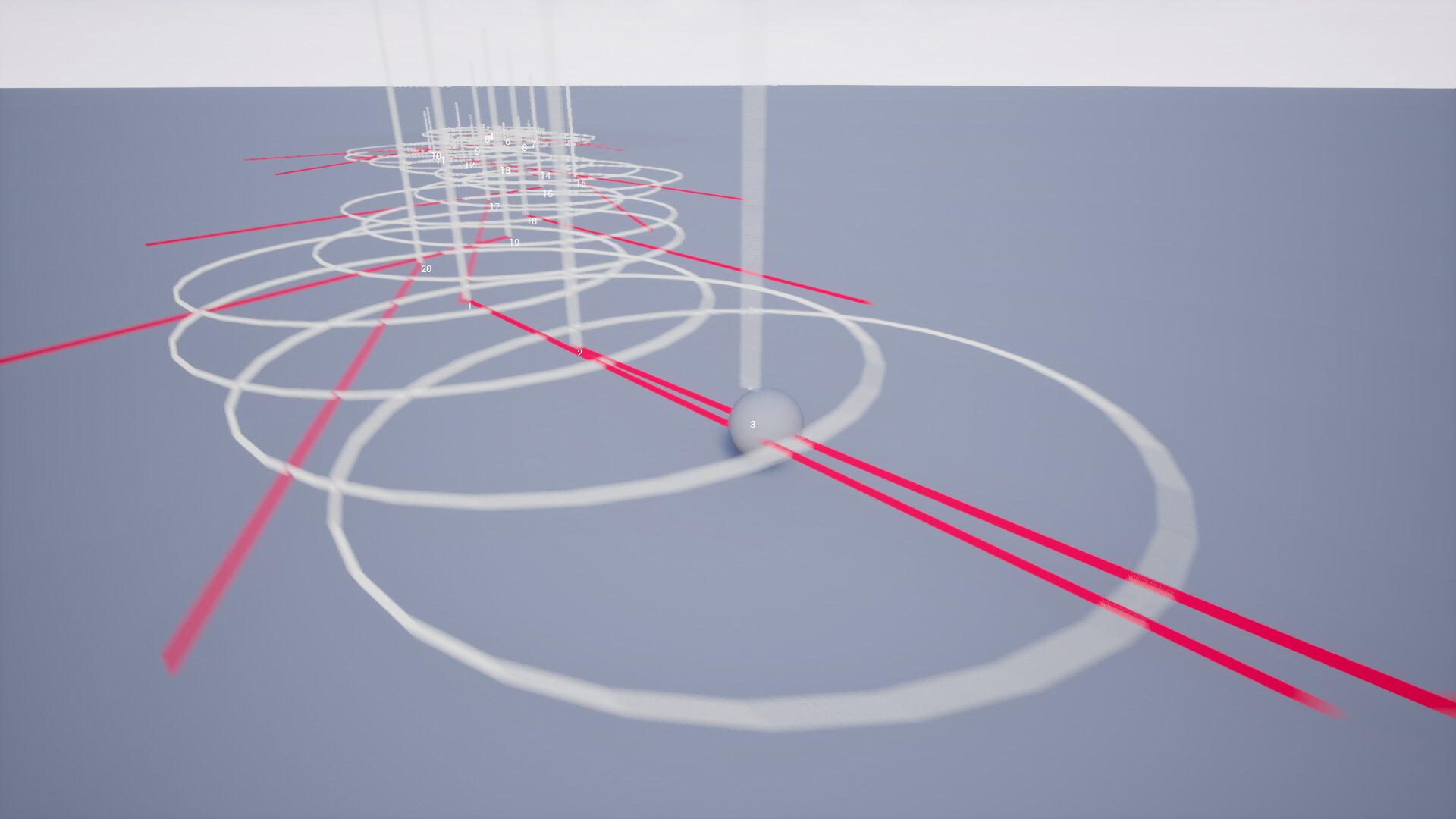
Debug view for the player interaction trail particles.

Debug view of a radial custom effect.

Debug view of a directional custom effect.

Debug view of a directional custom effect with directional falloff.

Two 128px render targets captures a 90 meters square area around the player. This can be changed in the settings and resolution can be increased.

4 materials are drawn onto both render targets: player FX, actors FX, player trail and actors trails. Time is slightly shifted when drawing onto the second render target to introduce some delay in the motion of the grass tips and fake a spring effect.

Each trail material can render a large amount of virtual interaction particles in a batch. Despite being a material with quite a few instructions, this is way faster than drawing a material one by one for each trail particle.

A trail particle is basically described with a 2D location, a 2D velocity, a radius, and a timestamp. We use that timestamp to compute a normalized time for trail effect and swing grass back & forth

An RGB curve is used to dictate how each trail particle is rendered based on their normalized life time. This gives the fake spring motion effect.

Custom effects are rendered the same way but we may only render a batch of 10 particles at once because they are much more complex to render and thus material complexity rises way more quickly.
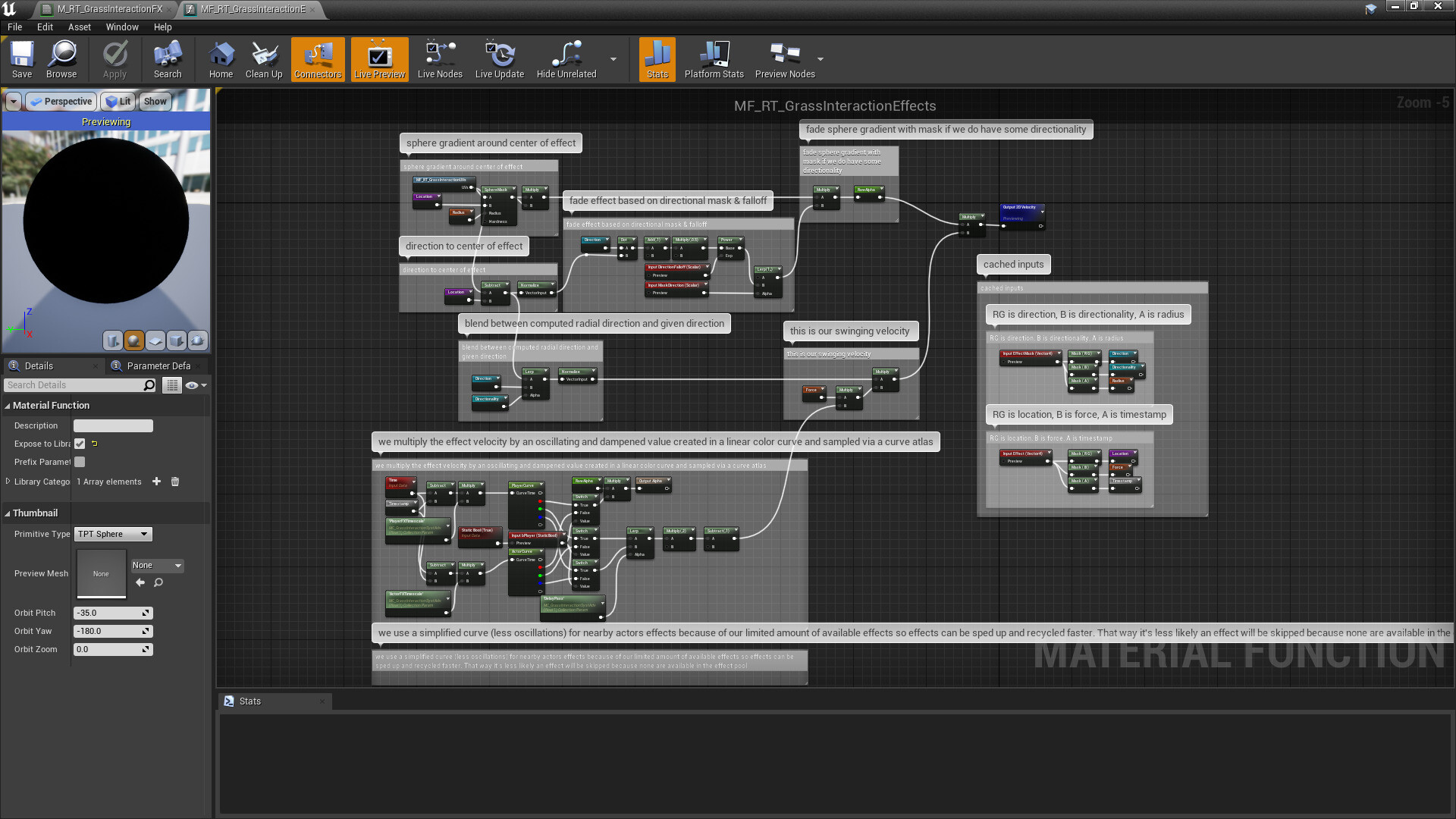
Effect particles are much more complex to render than trail particles because they must be able to describe much more than just a spherical gradient. They can be directional, masked based on a given direction and falloff and so on...