Unreal Engine Blueprint System - Water Interaction
Here's a blueprint-based complex water interaction system available as a Tier 3 reward on my Patreon: https://www.patreon.com/GhislainGir
It allows for any actor(s) of any shape to interact with the water anywhere in the world. It's limitless and performs quite nicely. It also allows for multiple water surfaces at different altitudes, automatic obstacle detection for wave deflection, above/below water effect, diffusing foam layer and manual interaction for bullet impacts and so on...
A deep dive into the system: what is it made for, what is it capable of, what are its limitations, how to use it and how its technically built.
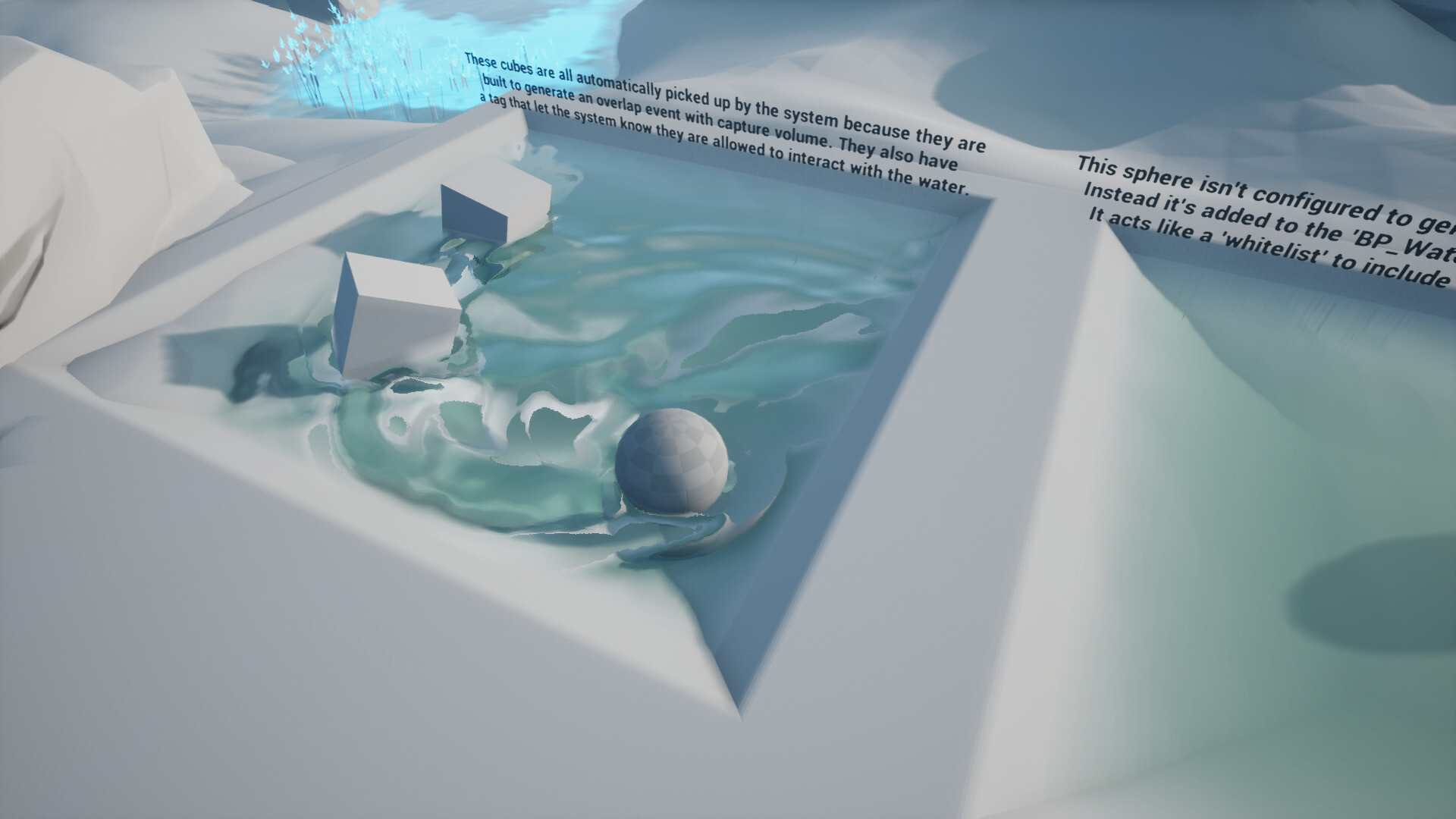
Any actors may easily be configured to interact with any water surface(s) and generate waves.

Actors may be white-listed to generate waves without using overlap events to be picked-up by the water system.

Any mesh that writes to the depth buffer (opaque & masked materials) can interact with the water, like those particles.

Wave height displacement can be configured per water surface.

A diffusing foam layer is available to be used however you see fit in your water material to create foam or any other effect.

A simple blueprint function may be called to generate a custom water interaction at any world location based on a given radius and strength.
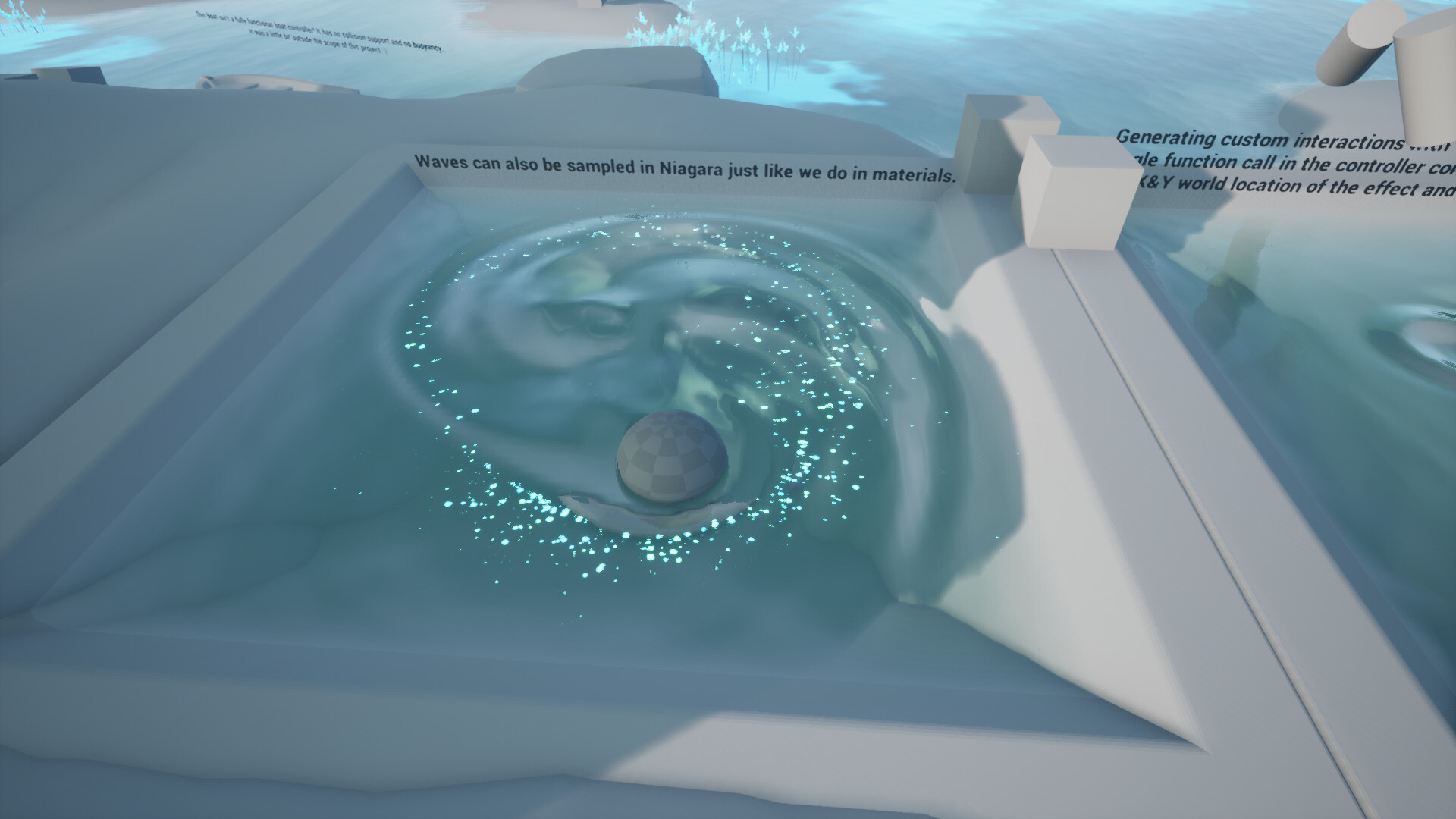
Niagara can also sample the wave texture and drive effects based on it.
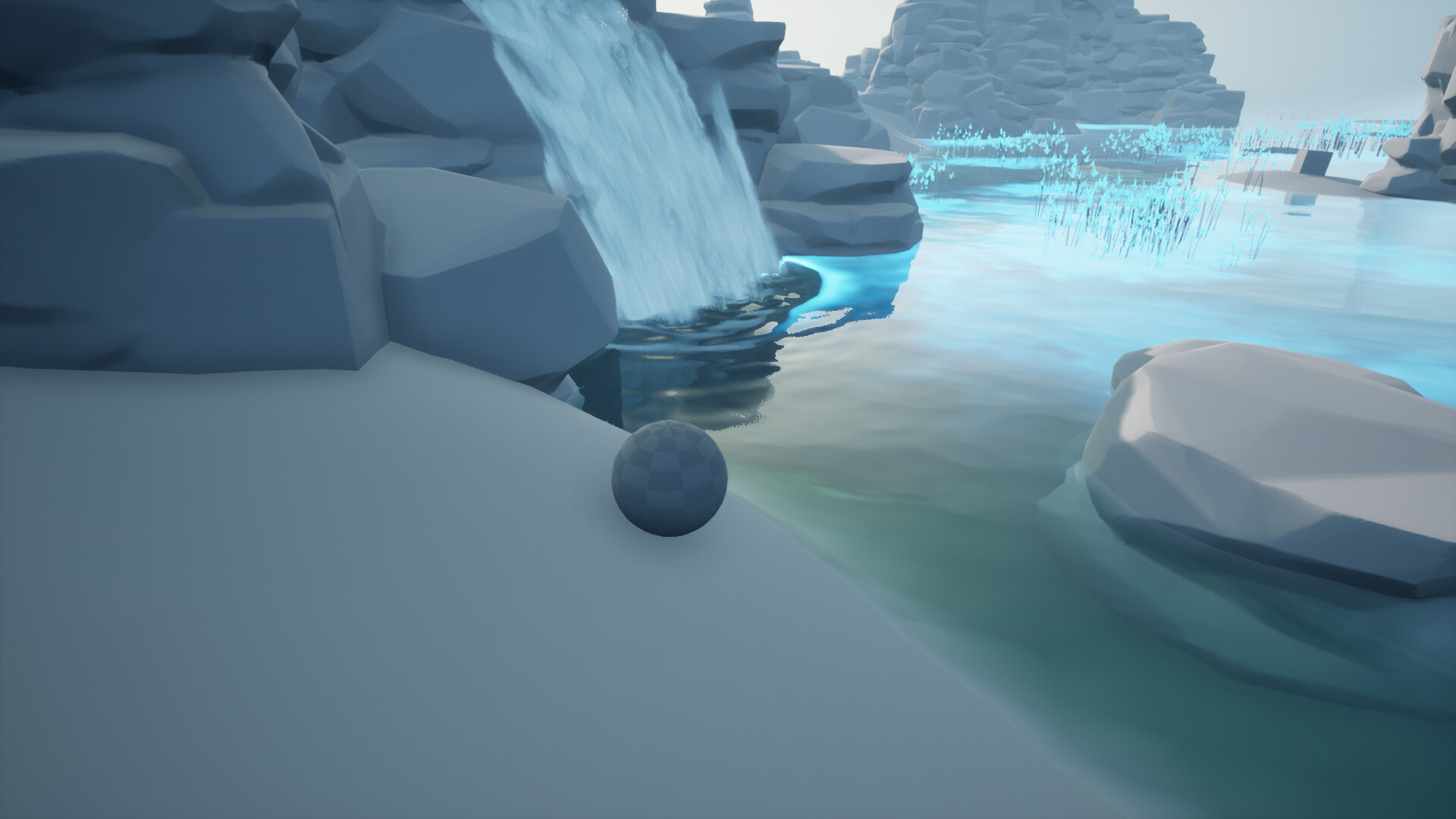
The waterfall particle effect uses a translucent material and so can't interact with the water. To go around that limitation we may use a second particle system that is only visible to the system and that spawns a couple of opaque particles.

Demonstration of interacting with the water using manual interaction calls on tick to 'draw' waves with the cursor.
Please note that this isn't a fully functional boat simulation! It just has basic XY planar movement, no collision & no buoyancy.

Actor(s) may have an shape.
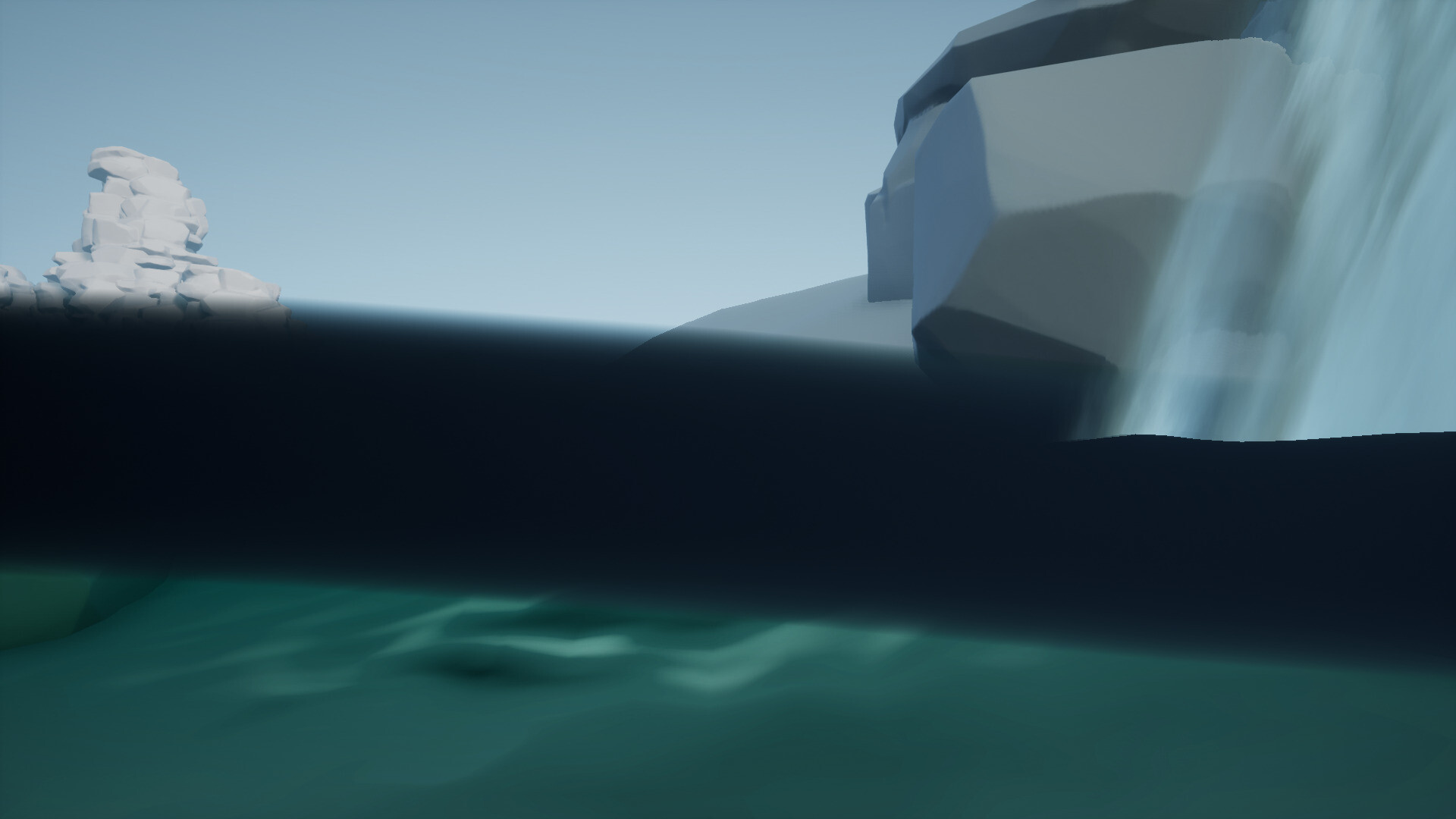
Mesh-based above/below water post process material that uses a vertex interpolator to reduce the cost of this effect.
Demonstration of the mesh-based above/below water effect.
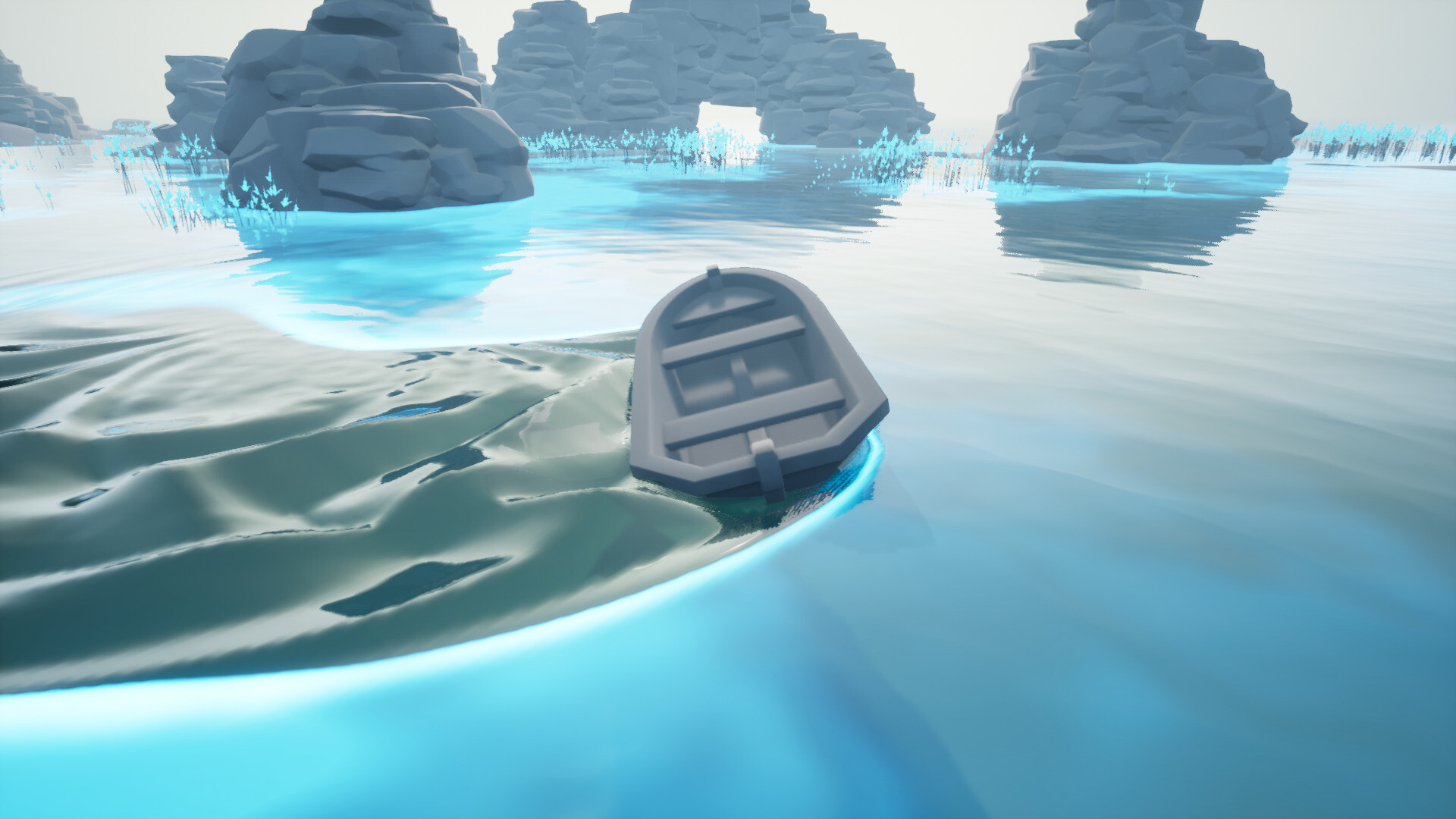
Further demonstration of the wave propagation algorithm.

Custom boat-foliage interaction included because why not :)

The core of the system re-use the example you can find in the 'Content Examples' map 'BlueprintRenderToTarget'. Here I used a similar approach to have a frame rate independant simulation via a fixed tick rate.

Here again I'm using the same triple wave buffer system seen in that 'BlueprintRenderToTarget' example map. One to store the current wave state, one to store the previous wave state and one to write the next wave state based on those two.

The wave expansion algorithm is again taken from the 'BlueprintRenderToTarget' with a couple tweaks here and there.

Most of the magic of my system happens when I capture the depth of actors relative to the water surface(s) to compute what I called the 'intersection map'. It is then converted from local space to world space for the wave propagation simulation.