Unreal Engine Blueprint System - Localized Character Damage
Here's a quick experiment I did a while ago to paint a texture on an animated skeletal mesh. It's available as a Tier 2 reward on my Patreon: https://www.patreon.com/GhislainGir
It may be great for localized damage and things like that. Please note that this is, for now, broken in UE5. The system uses Scene Capture Component in Additive mode which is bugged in UE5 at the moment.
Shout out to the author who wrote this article that inspired me to try this: https://www.raywenderlich.com/6817-dynamic-mesh-painting-in-unreal-engine-4
A breakdown of the technique

Allows to paint damage on an animated skeletal mesh. Minimal setup is required (unique UV map required).

Damage can be faded out in time.

Multiple characters support.
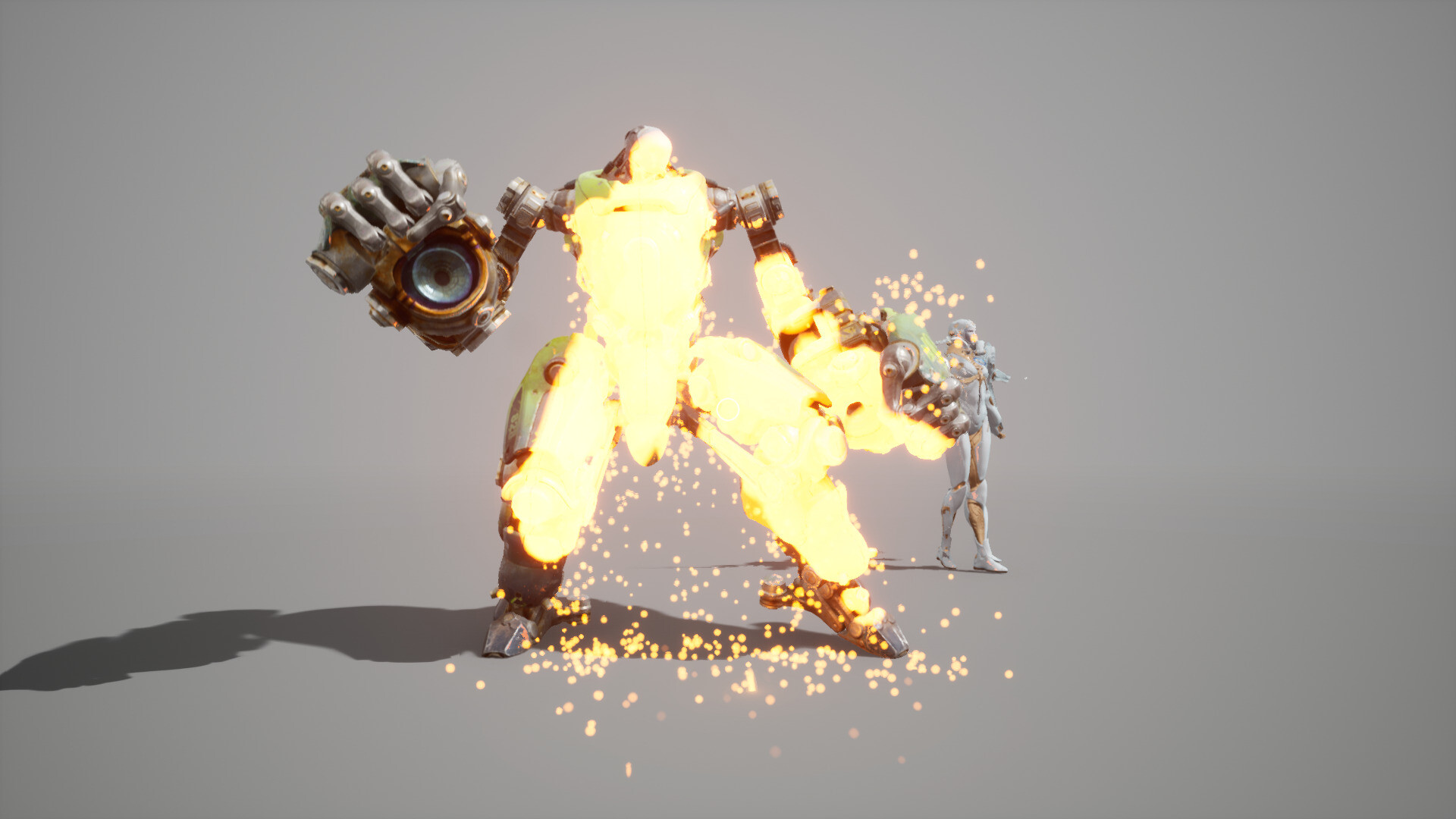
A Niagara particle system can sample the damage texture to spawn particles where mesh is damaged.

Damage map can be sampled however you see fit to create blood or wounds. No need to be gore though, it could just glow white :)

The idea is quite simple: a skeletal mesh component copies a given mesh & its animation pose and a material draws a spherical gradient where damage should be applied.
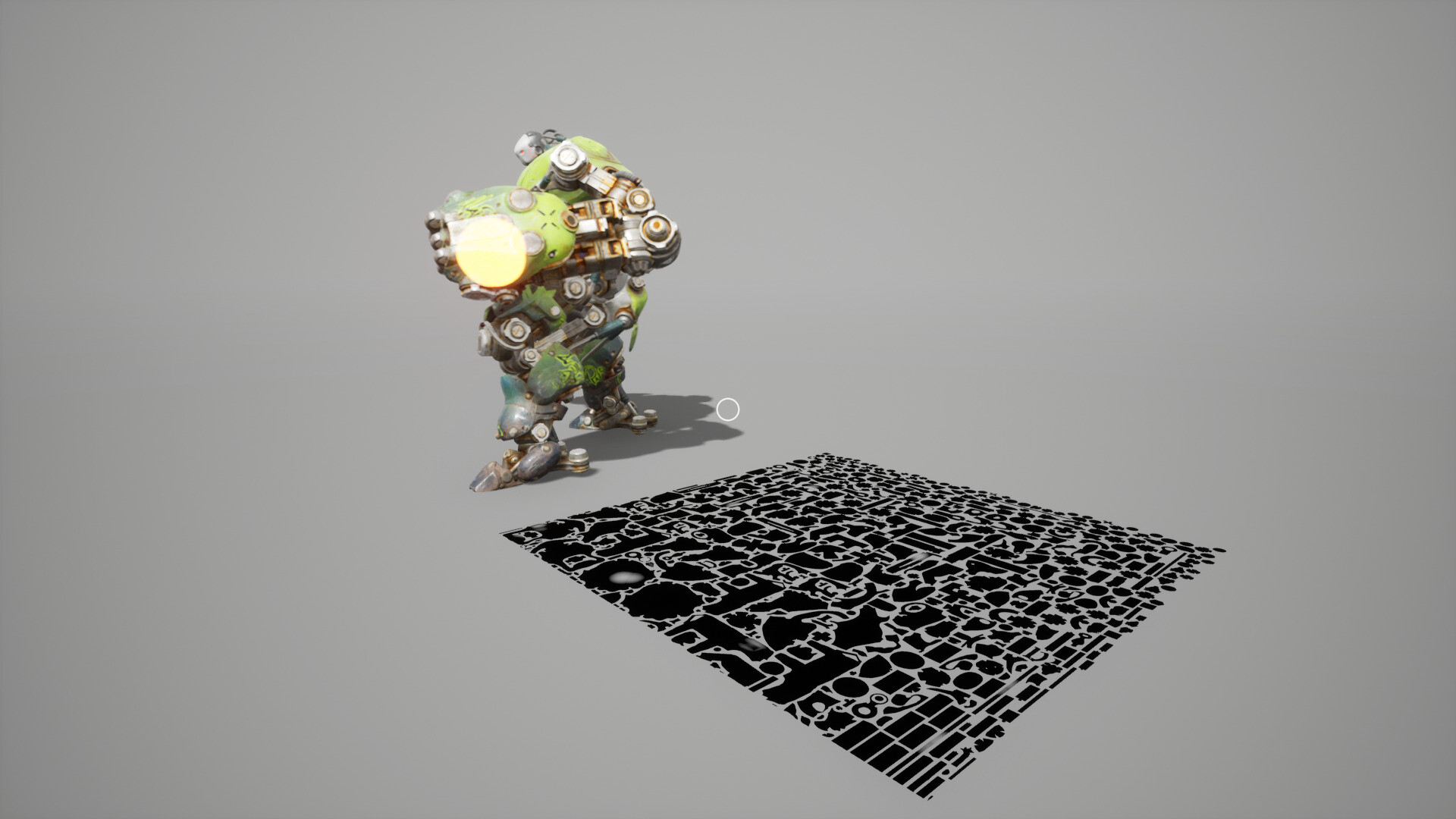
Then that skeletal mesh is 'unwrapped' and a scene capture component render this to essentially render that 'texture' in additive mode so the damage can be continuously added.

The damage material applied to the duplicated skeletal mesh to unwrap it.

Here's the function we call to draw damage. It just sends a world location and a radius (optionally converting the location to local space) before capturing the scene.

Damage fade was quite easy to implement. I copy the damage render target into a buffer and while doing so, reduce its value by a given fade amount, and then copy it back into the original render target.

The fade material used to copy the damage render target into a buffer render target and decrease its value while doing so.