Unreal Engine Educational Project - Procedural Mesh Component
Here's a project available as a Tier 2 reward on my Patreon: https://www.patreon.com/GhislainGir
It shows you through many simple examples how to use Unreal Engine's Procedural Mesh Component. Big shout out and big thanks to Arran Langmead who made a great introduction to the PMC video and who inspired me to do this: https://www.youtube.com/watch?v=1ksgB6hYGrE

We start by building a simple quad mesh and generate UVs.

Then we build a grid of quads!

We then learn how to displace those vertices based on a given texture.

A cylinder is just a plane wrapped around a specific point! So we learn how to do that :)
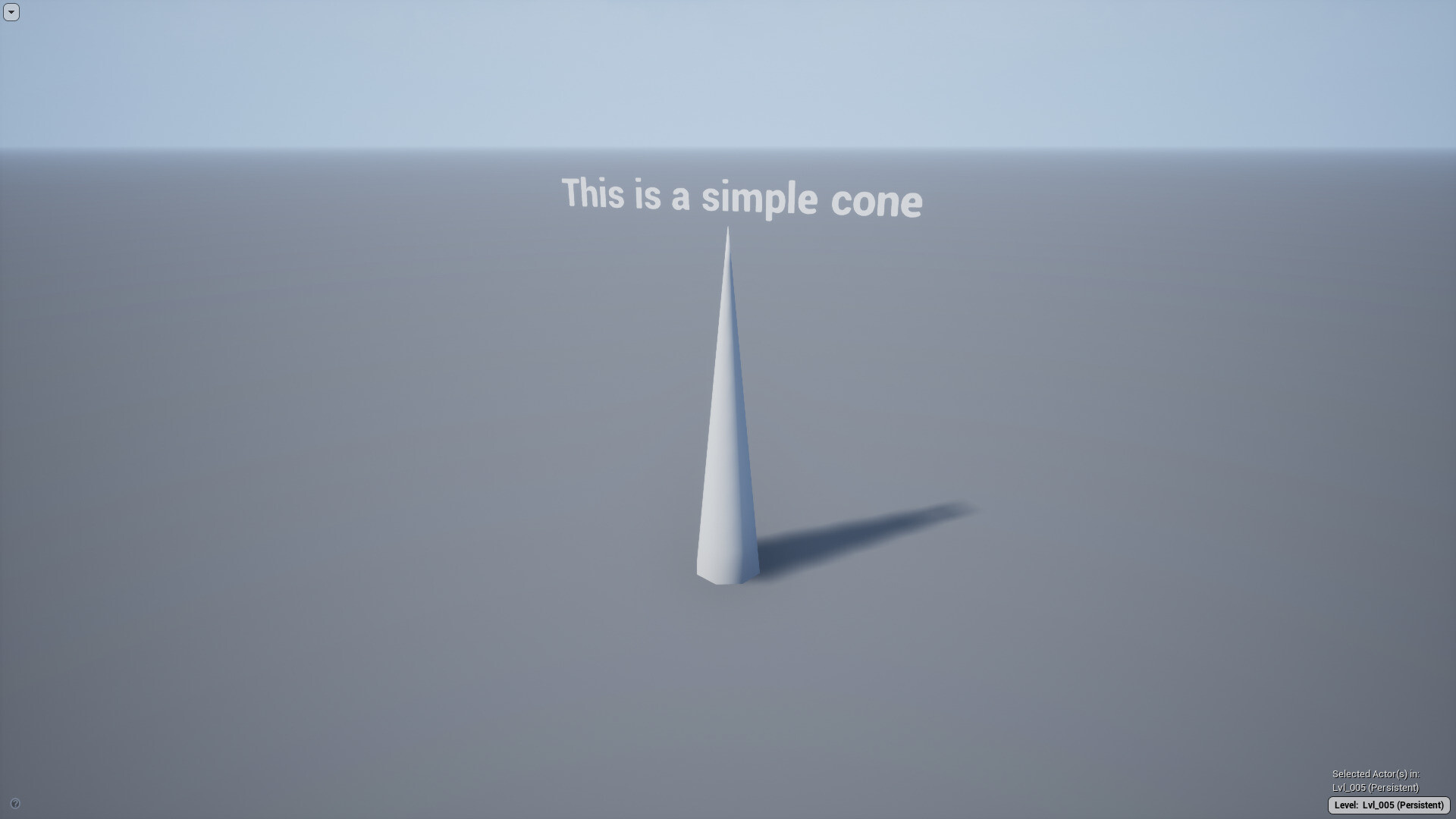
A cone is a cylinder with the top cap scaled to 0!

We then learn how to use vertex color and UVs to encode any kind of data, like pivots.

We then proceed to learn how to use a Spline to manipulate & twist a cylinder.

Why not displace this spline-deformed cylinder using a texture? This may be used to create a tree trunk for instance.
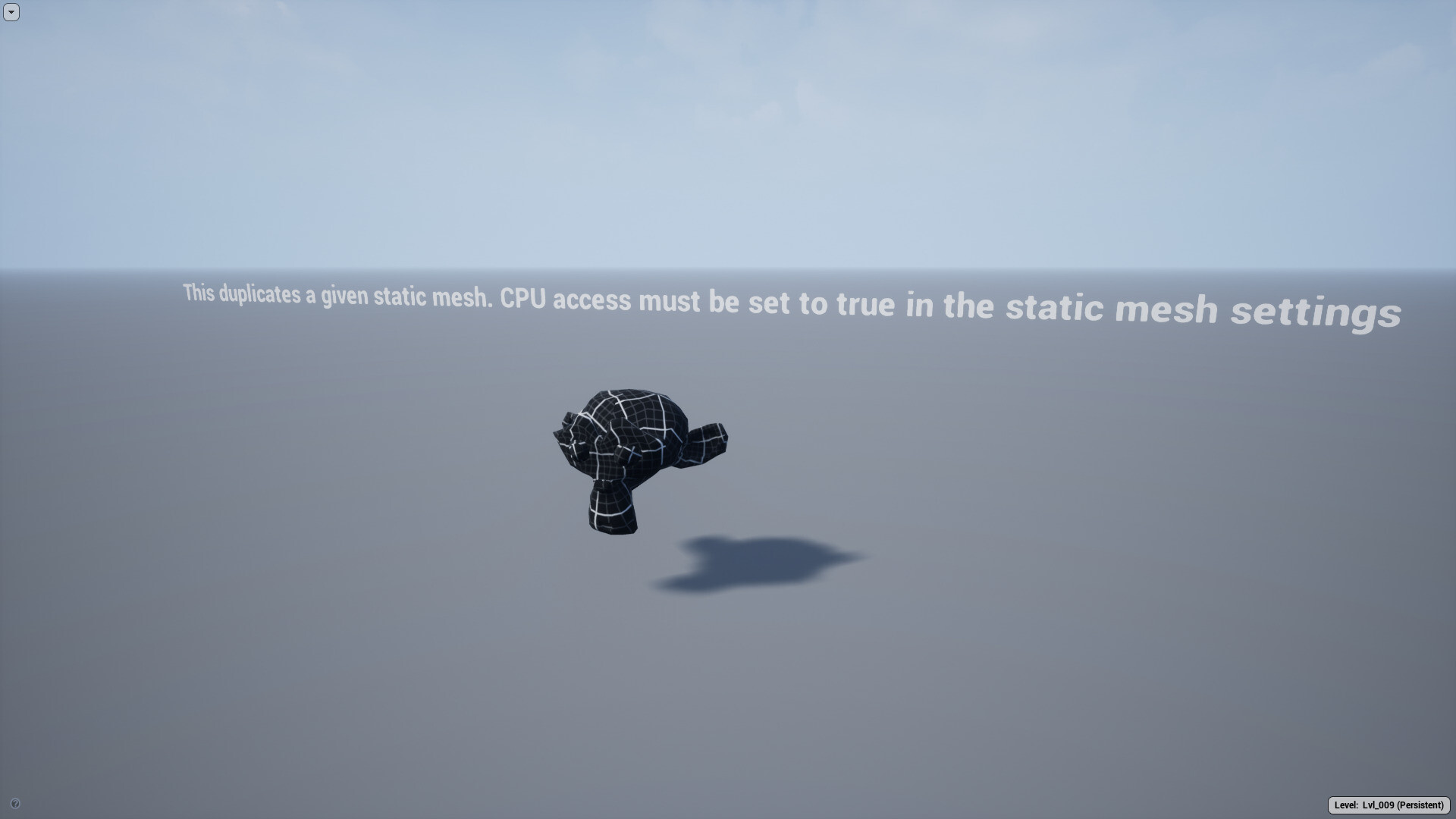
We then learn how to copy a given static mesh.

We may manipulate that static mesh normals very easily and that could be useful for all kind of tricks in a shader.

We go one step further and learn how to manipulate the vertices of the given static mesh when we copy it.

Here we copy a given static mesh a bunch of times to create a single mesh using the Procedural Mesh Component.
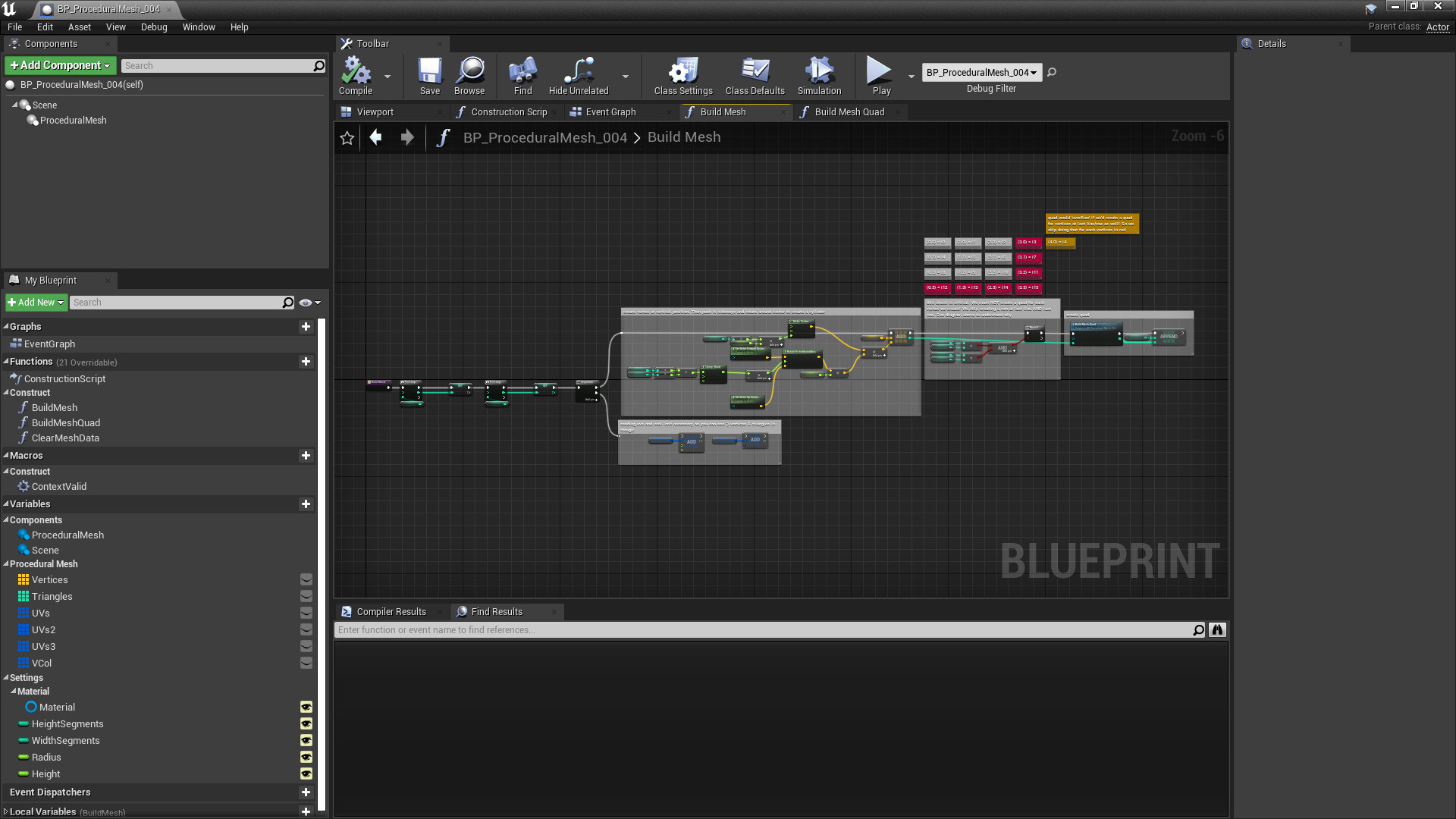
The project is greatly documented.
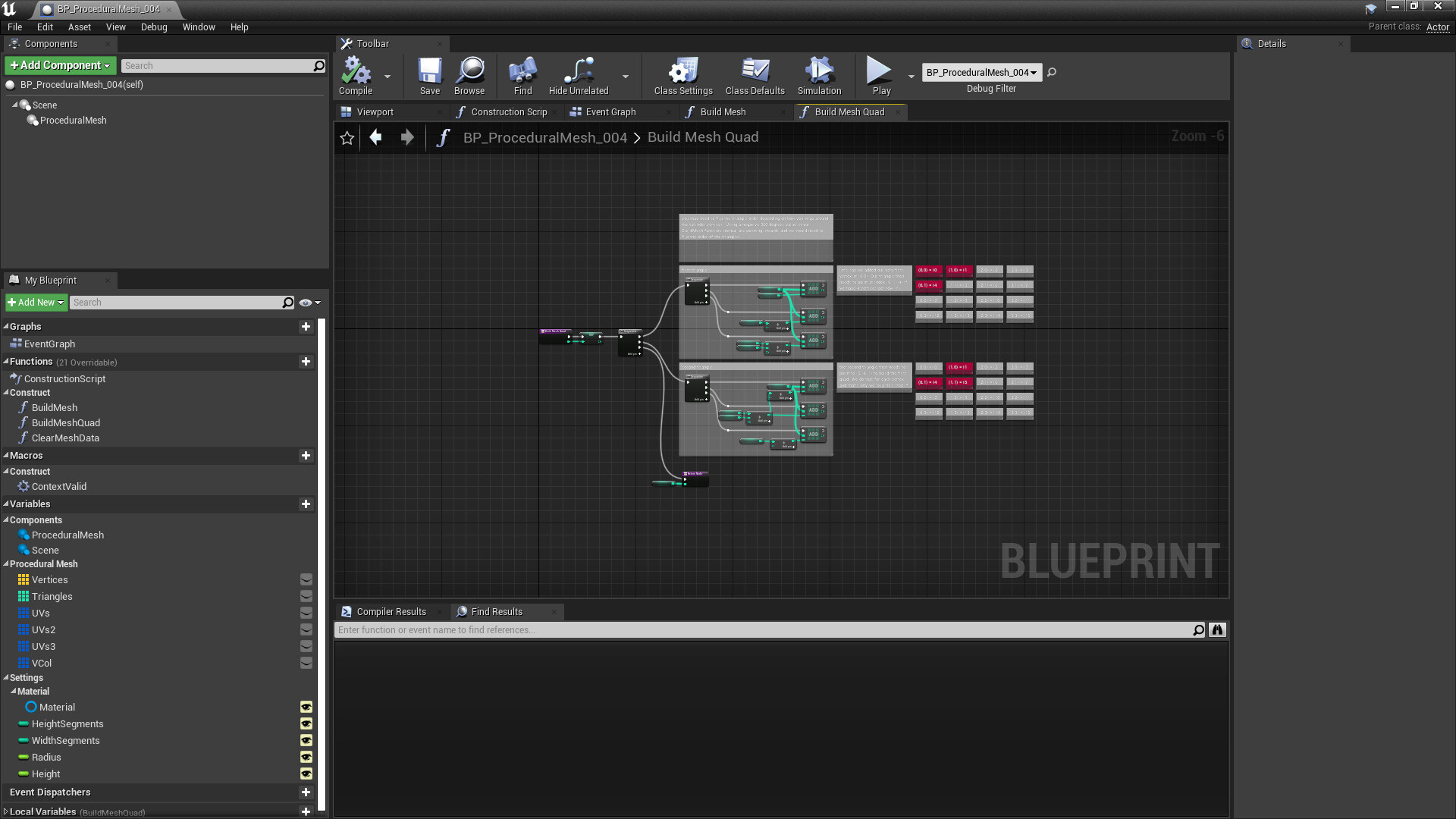
Tried to use comment nodes quite a bit creatively here to explain some of the logic behind build vertices :D

I'd expect you to get up & running with the procedural mesh component fairly quickly with this project. Everything was explained as much as possible.